

PlanHero is integrated with Canva, our favorite design tool.
Our Pro subscribers can easily create designs in Canva and import them directly into their Event.
1. Click the Canva button.

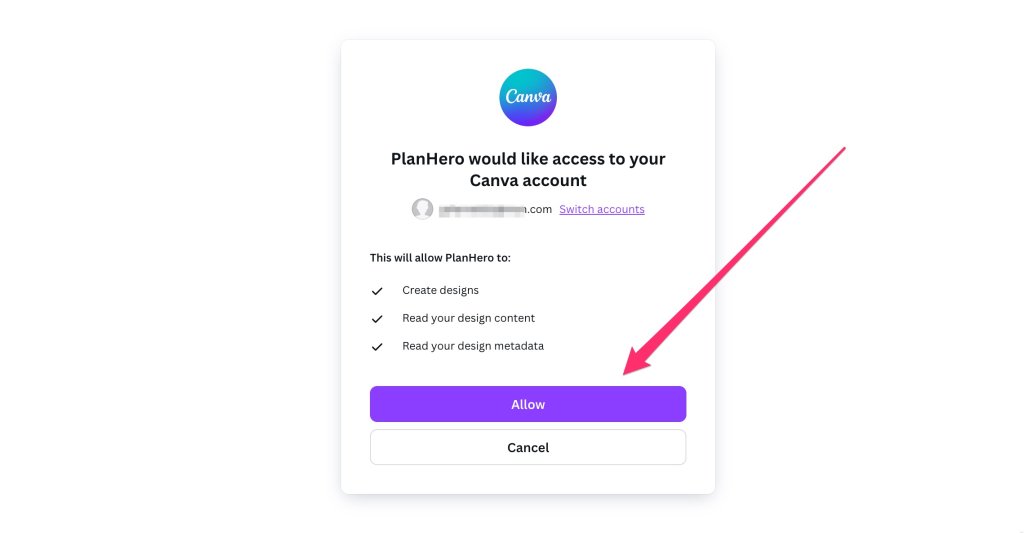
2. If you are already logged in to your Canva account, click the Allow button. Then skip to step #6. below.

3. If you are not logged in to your Canva account, log in by selecting your account.
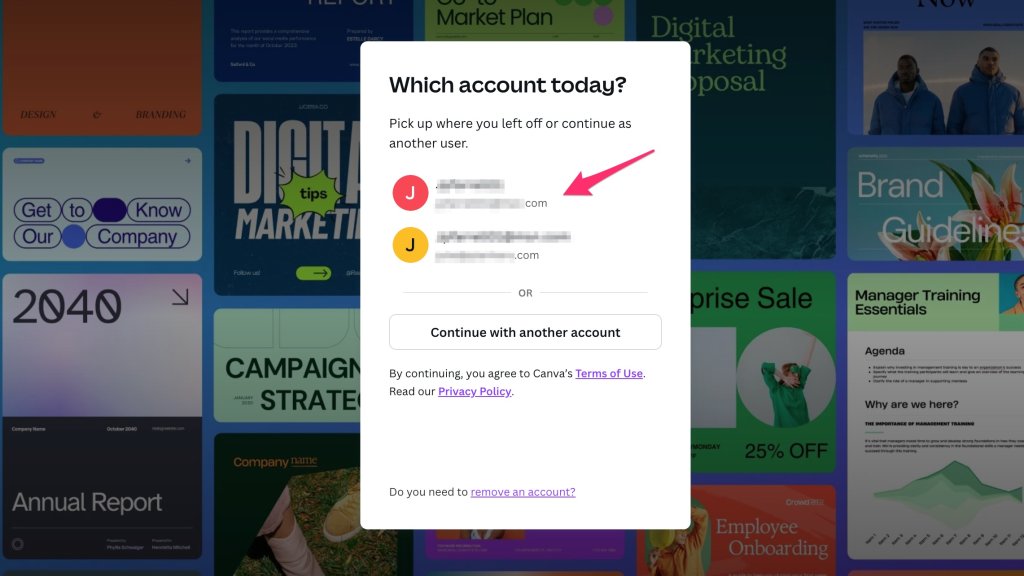
4. Enter your Password, then click the Log In button.

5. Click the Allow button.
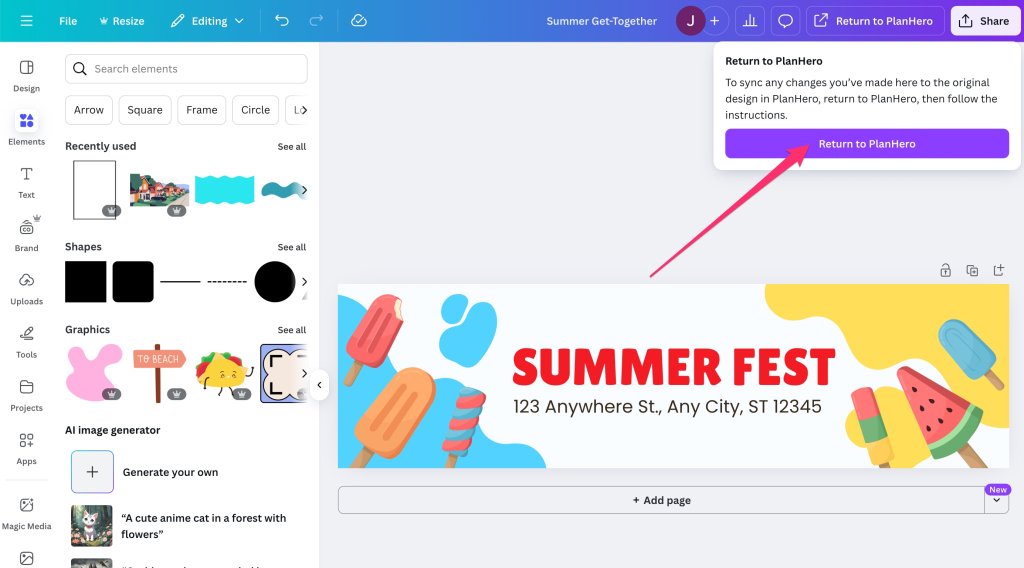
6. Create your new design. The canvas is 2790 x 765 pixels, which is the ideal size for a PlanHero banner image.

7. When you have completed your design, click the Return to PlanHero button. It will take a few seconds to import it into your PlanHero Event.
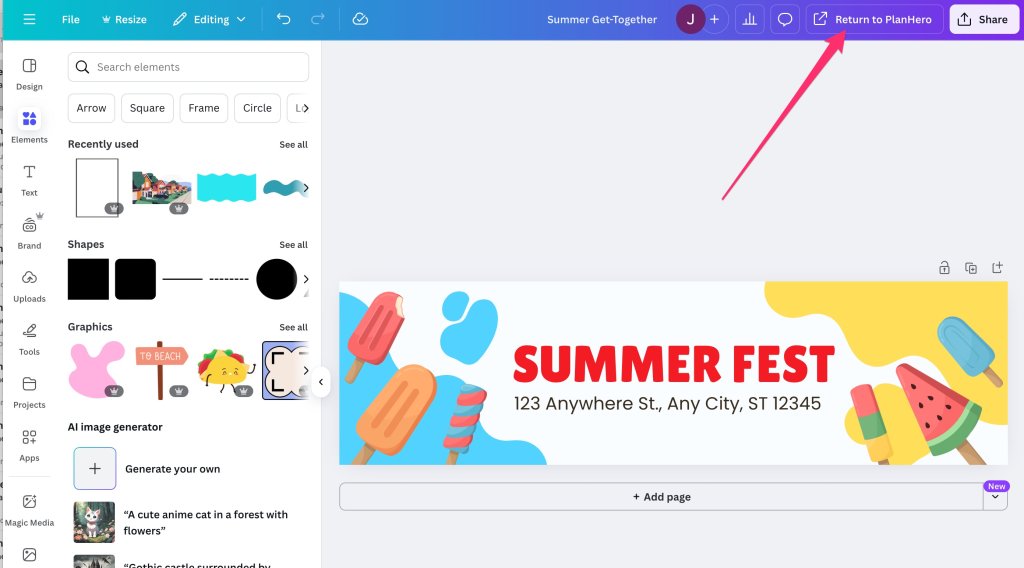
8. Click the second Return to PlanHero button. It will take a few seconds to import it into your PlanHero Event.
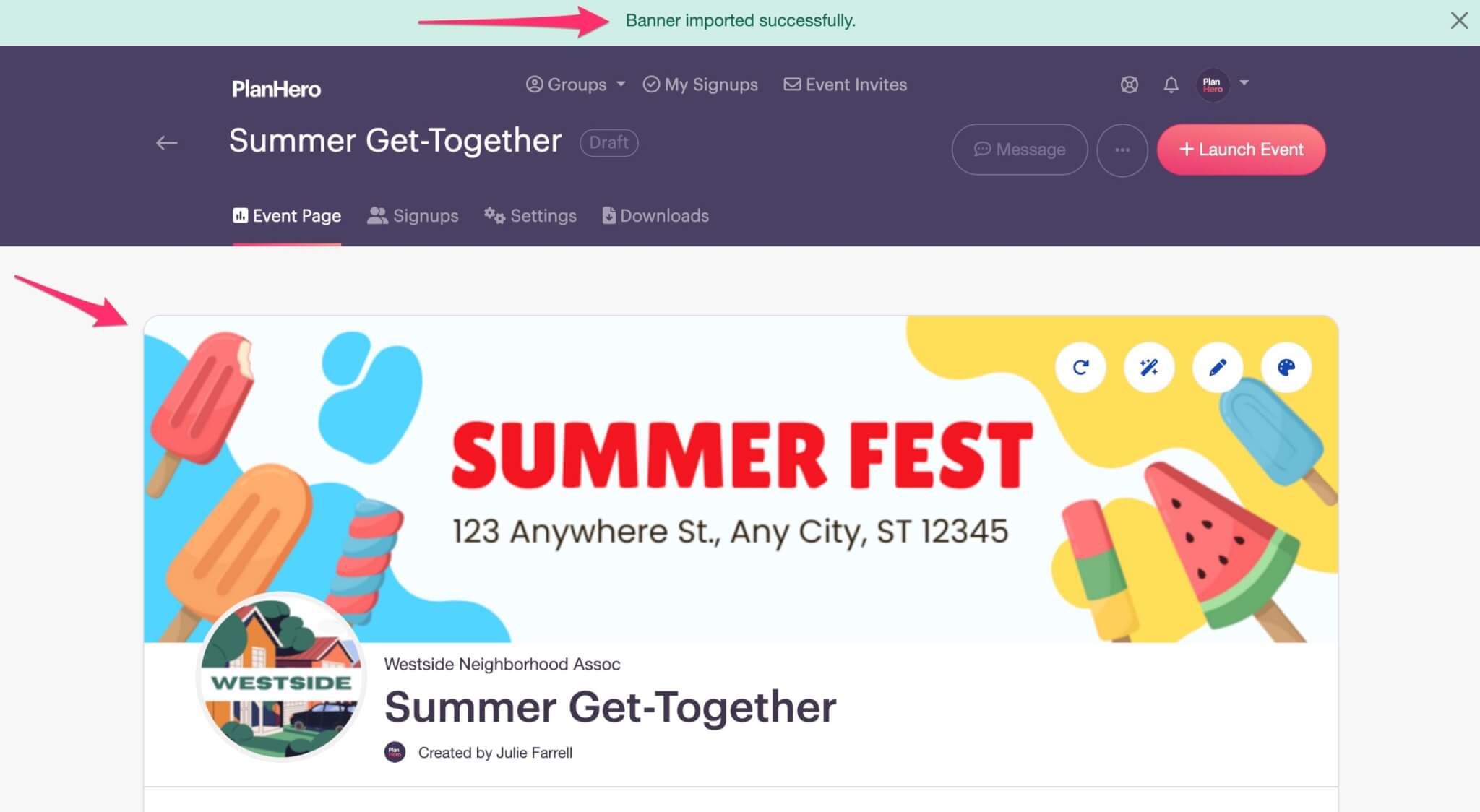
9. You will see a confirmation ribbon indicating that the “Banner imported successfully.”

