


At PlanHero, we know that some of our customers do not want the names of the people signing up on their event to be visible to the public. This is particularly important if children are involved, or if an event is private in nature (e.g. therapy sessions, meeting with a pastor, etc.).
Whenever you create a new Signup List, you can set it to PRIVATE, by checking the box at the bottom of the Signup List creation page.
But what if you or a co-organizer forgets to check the box?
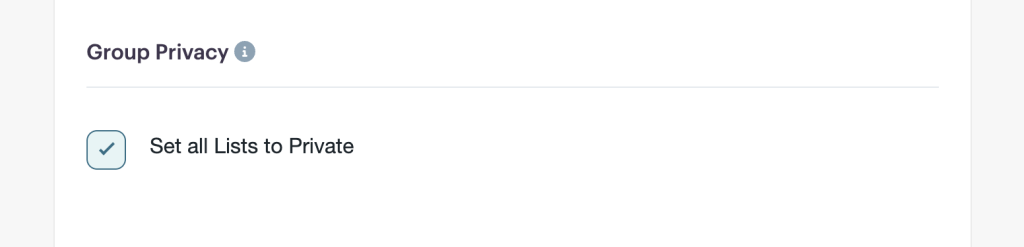
This is where the Group Setting is comes in handy. If you need ALL of your Signup Lists to be private, you can simply check the box in your Group Settings. Then, any time a new Signup List is created, it will automatically be set to Private.
Of course, you happen to have an outlier event in which you want to create a little FOMO, and/or people want to see who else is participating, you can simply uncheck the Private box for that specific Signup List in that particular Event.

