

Have you heard of volunteer grants or volunteer incentives?
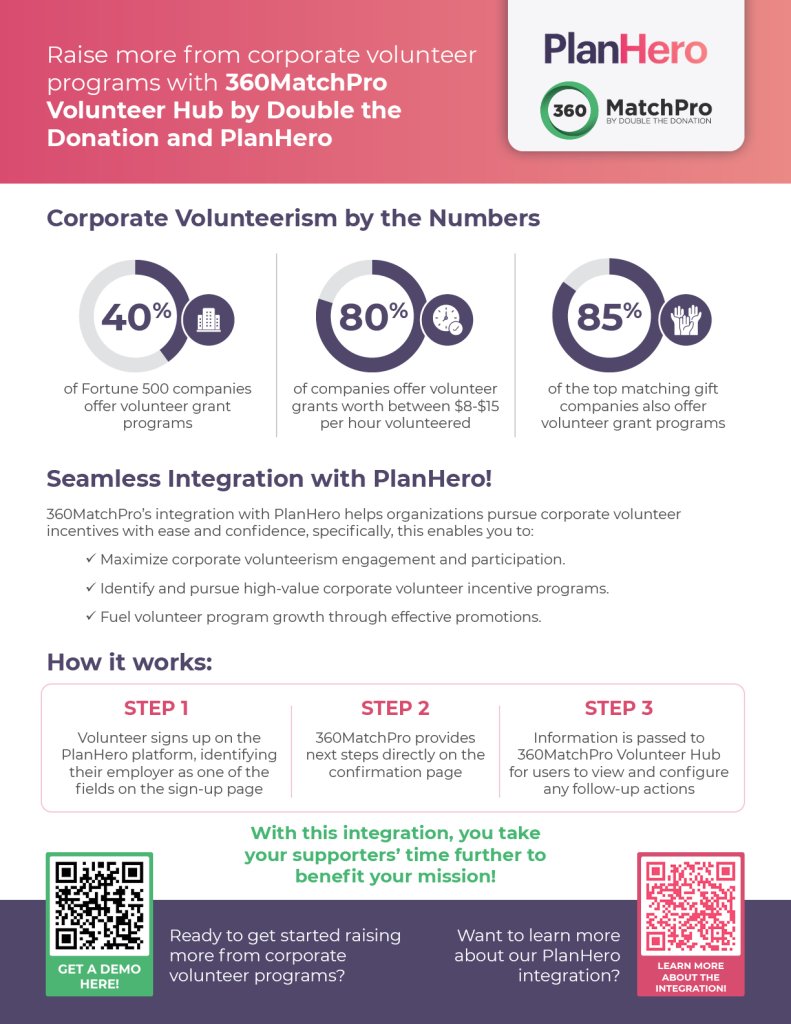
Now you can raise money with volunteer grants from thousands of corporate giving programs.
PlanHero has partnered with Double the Donation to integrate a database look-up feature for volunteer signups on PlanHero!

We are thrilled to introduce this new way to help your nonprofit or school raise additional funds with the help of your volunteers.
“As corporate social responsibility continues to grow, it’s vital for nonprofits to leverage these opportunities,” said Adam Weinger, President of Double the Donation. “This includes corporate volunteer programs, which is why we’re excited to bring 360MatchPro’s automation functionality to PlanHero’s robust volunteer management platform, helping organizations boost their volunteer engagement and corporate funding alike.”
How to raise money with volunteer grants via the PlanHero/Double the Donation integration:
1. Create an account with Double the Donation
- Double the Donation provides a database of all companies/corporations that offer incentives for employee volunteering
- Their Match360Pro Volunteer Hub service allows volunteers to identify their employer when confirming a signup on PlanHero
2. Activate the Double the Donation integration in your PlanHero Account Settings
- Enter your Double the Donation Public and Private API Keys in your PlanHero My Account Settings
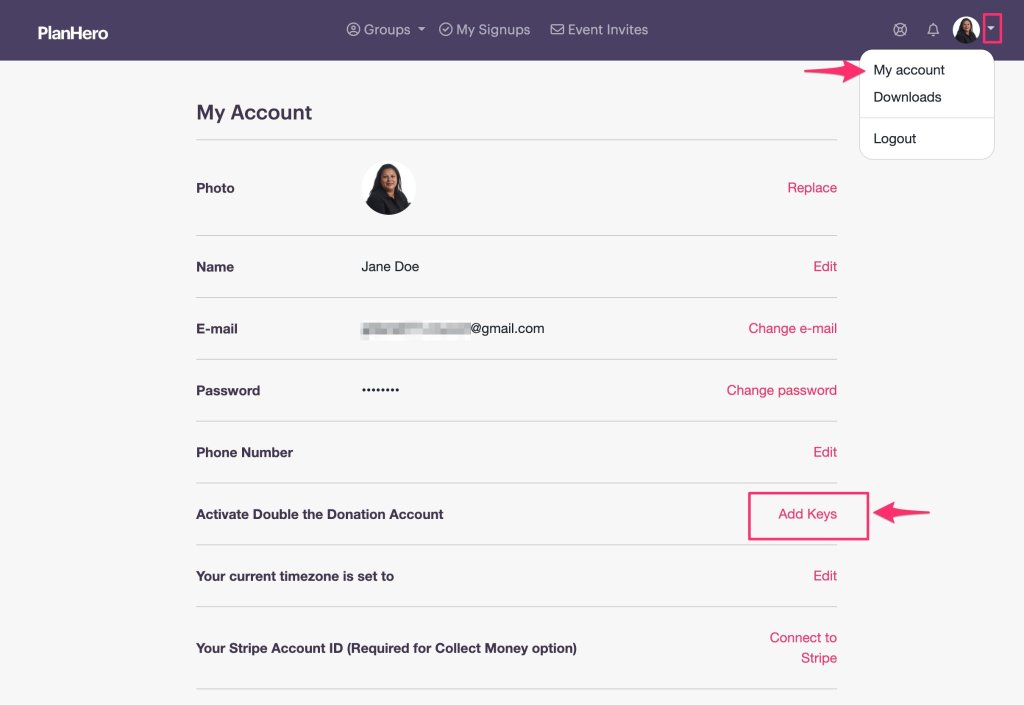
- Click Add Keys
- Enter your Public and Private API Keys
- Click Save

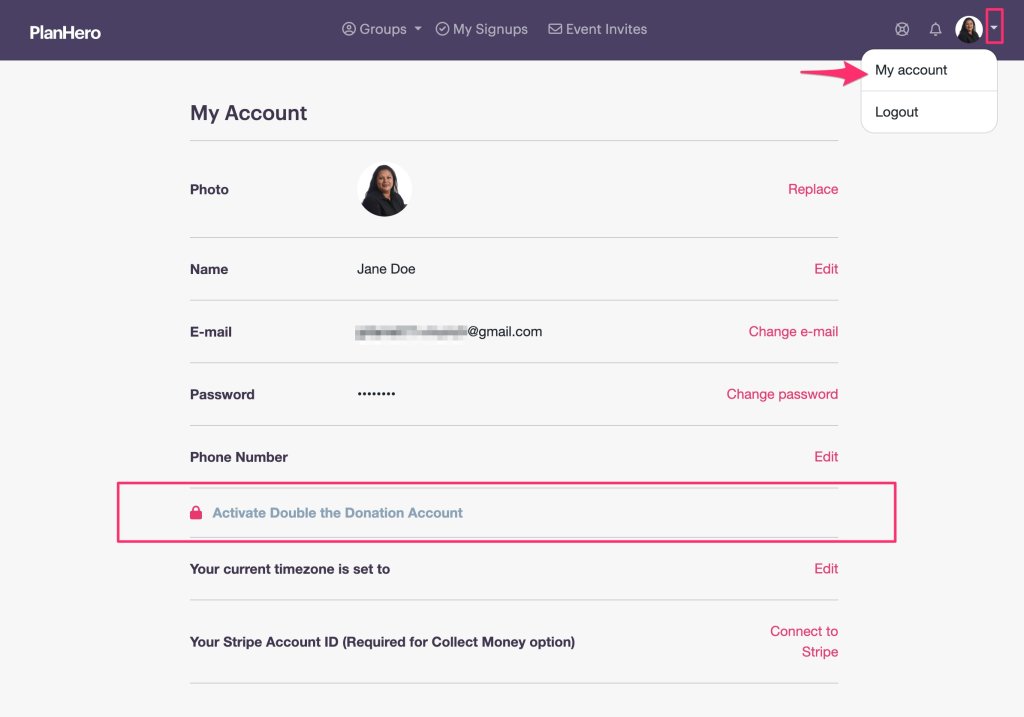
- If you are not already on the Pro Plan, you will need to upgrade to the Pro Plan to activate the Double the Donation integration
• In My Account, Scroll down to Subscriptions and click on Change to upgrade to the Pro Plan
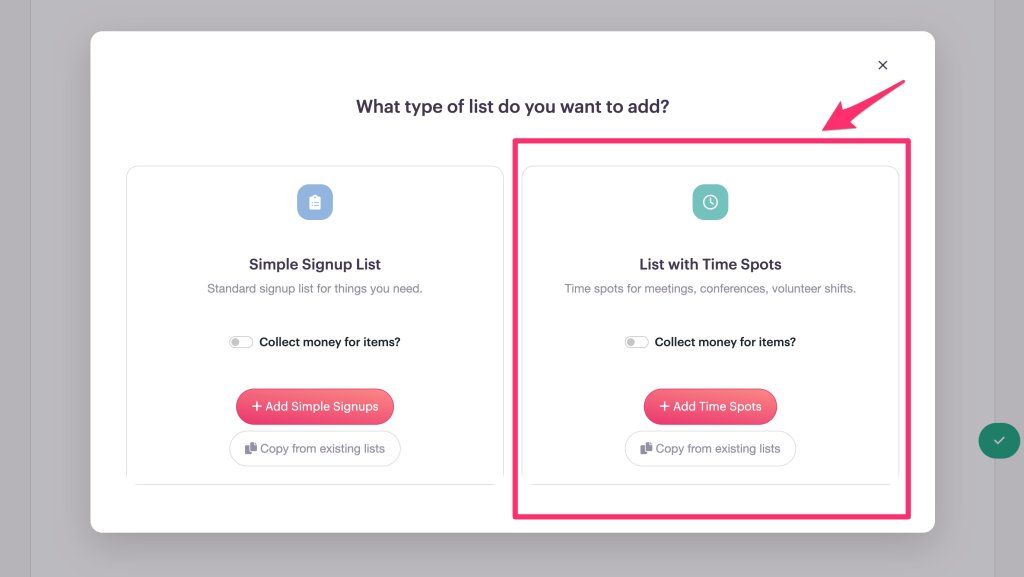
3. Create your event in PlanHero using Time Spots for volunteers
- It is important to use Lists with Time Spots rather than Simple Signup Lists for your volunteer time spots
- Only Lists with Time Spots are used to activate the Double the Donation integration
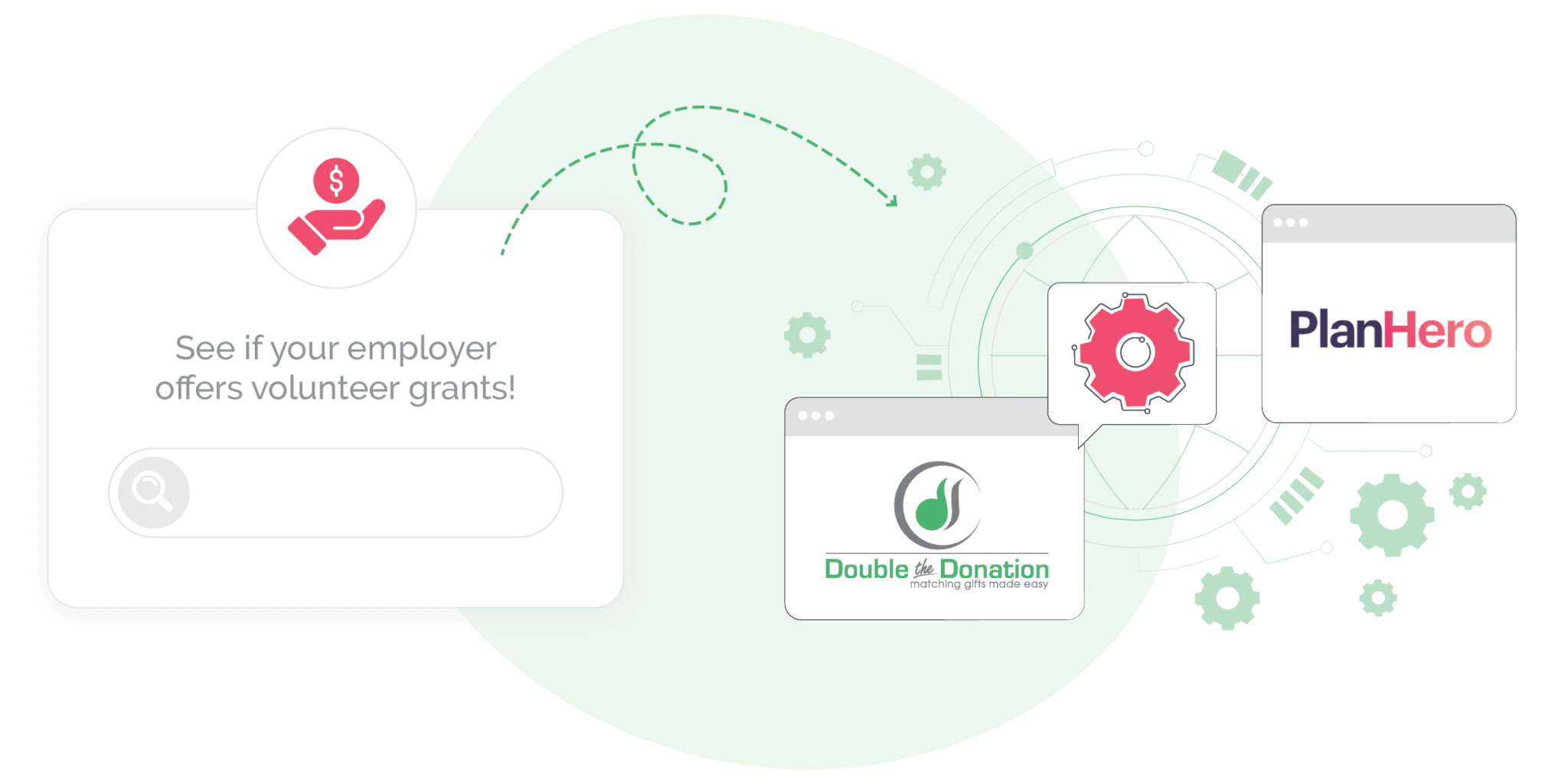
4. Your volunteers will now be prompted to search for their company on PlanHero signups – you will receive the information whether there’s a match or not
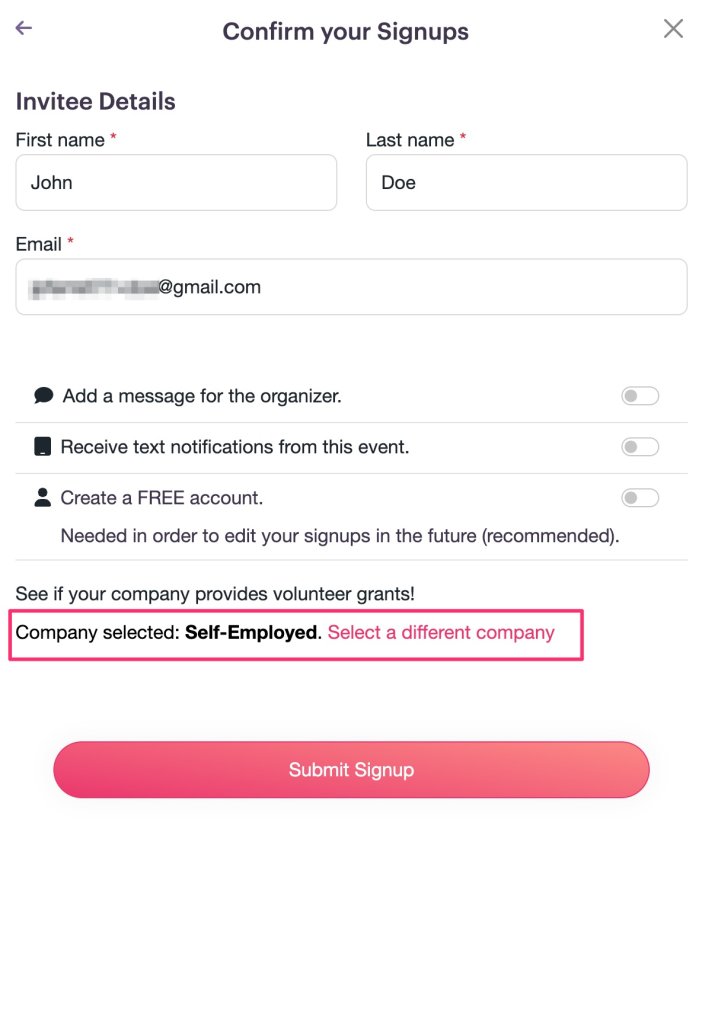
- Volunteers are prompted to search for their company on the PlanHero signup confirmation page

- After finding their company, that information will be saved for the next screen

After submitting their signup, they are directed to the PlanHero Thank You page

After syncing their signups to their calendar, they can review the main points of their company’s volunteer grant/incentive program, then click through to their company to follow-through on opportunities.
NOTE: Even if the volunteer selects Other, Self-Employed, or enters a company with no match, you will receive that information as a Double the Donation customer.
Check out the experience for a volunteer in our video below!
5. Information is passed to 360MatchPro Volunteer Hub for admin(s) to view and configure any follow-up actions
Ready for a PlanHero demo? Book one here.
Ready for a Double the Donation demo? Book one here.
Check out our Double the Donation and PlanHero webinar in which we take a deeper dive into volunteer incentive programs and volunteer engagement here: